01 / ORVANTU Studio · Dental CADIN DEVELOPMENT
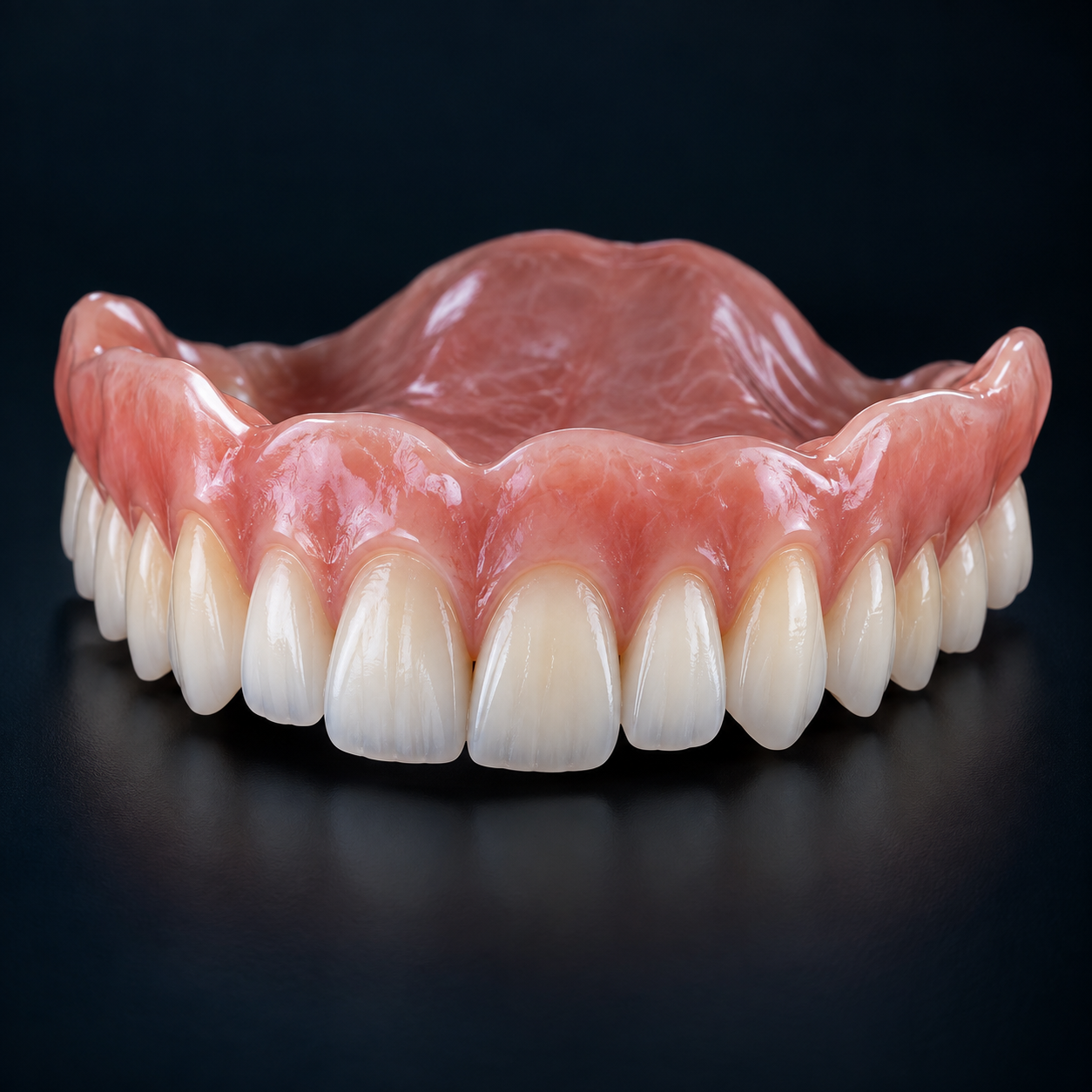
Upper denture · Sculptopa Dental
Shape every detail.
ORVANTU Studio
Dental design, custom tooth libraries and advanced colour preparation in one native workspace. From sculpting to J5 DentaJet export.
Meet ORVANTU Studio. Shape anatomy, create your own tooth libraries and prepare detailed colour for PolyJet production—all in one dental design environment.
CRAFTED IN DETAILDigital thinking. Beautifully realised.
From the shape of an individual tooth to the preparation of a complete case. Explore the tools behind your next digital workflow.
Upper denture · Sculptopa Dental
Shape every detail.
Dental design, custom tooth libraries and advanced colour preparation in one native workspace. From sculpting to J5 DentaJet export.
Segmentation viewport · FDI tooth numbering
See each tooth clearly.
Turn a dental scan into individually identifiable teeth. Inspect colour-coded regions, review FDI numbering and prepare the next step.
A native desktop workspace for the detail that makes a design yours. Guided dental modules, freeform sculpting, custom libraries and colour preparation, brought together.
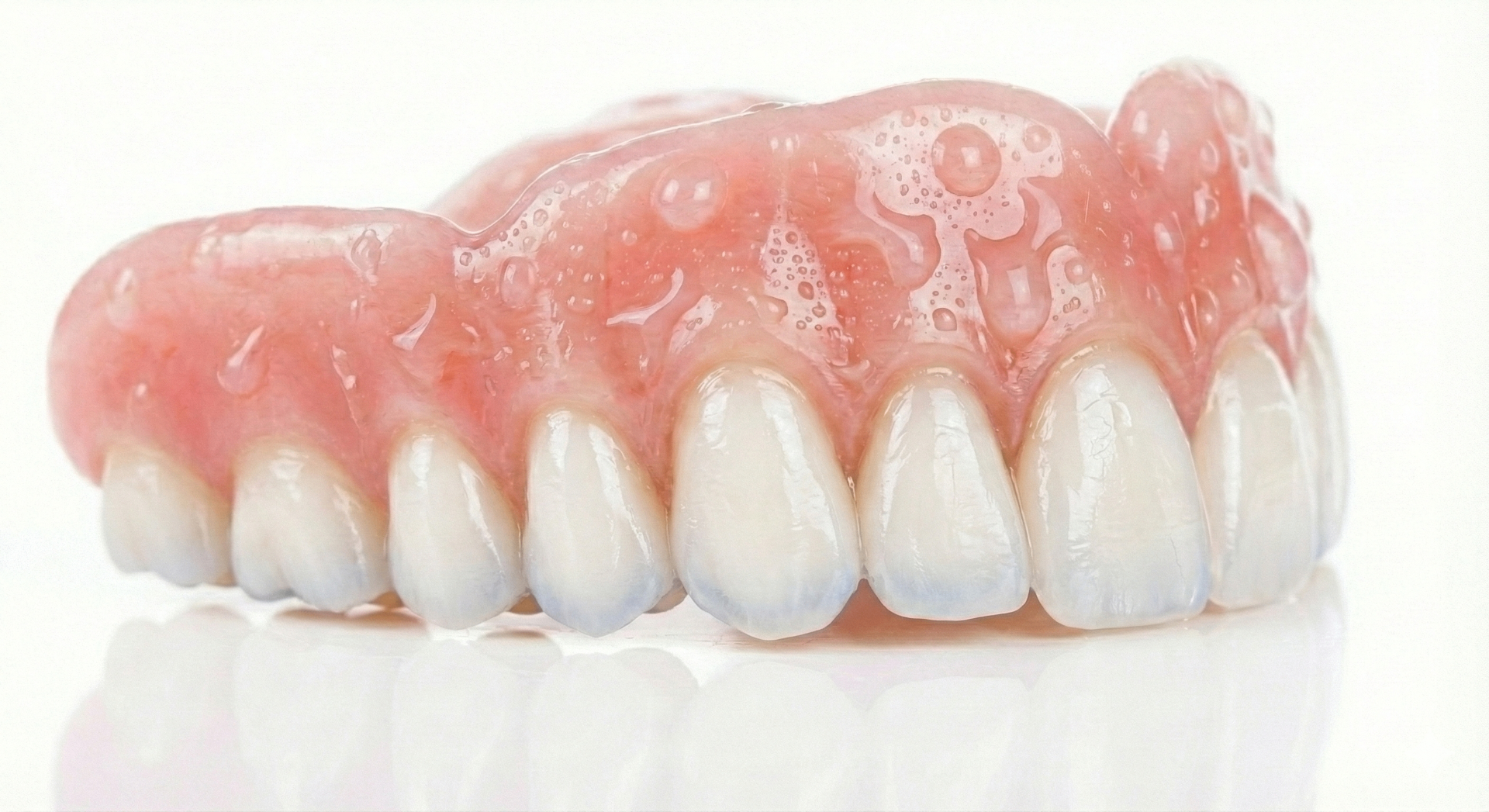
Great design starts with control over the details. Build custom tooth libraries, preserve the layers within each tooth and adapt the arrangement to your case.
The Tooth Library Designer keeps anatomical regions, relative shade recipes and component relationships together. A considered starting point, ready to become something individual.
Explore the design modules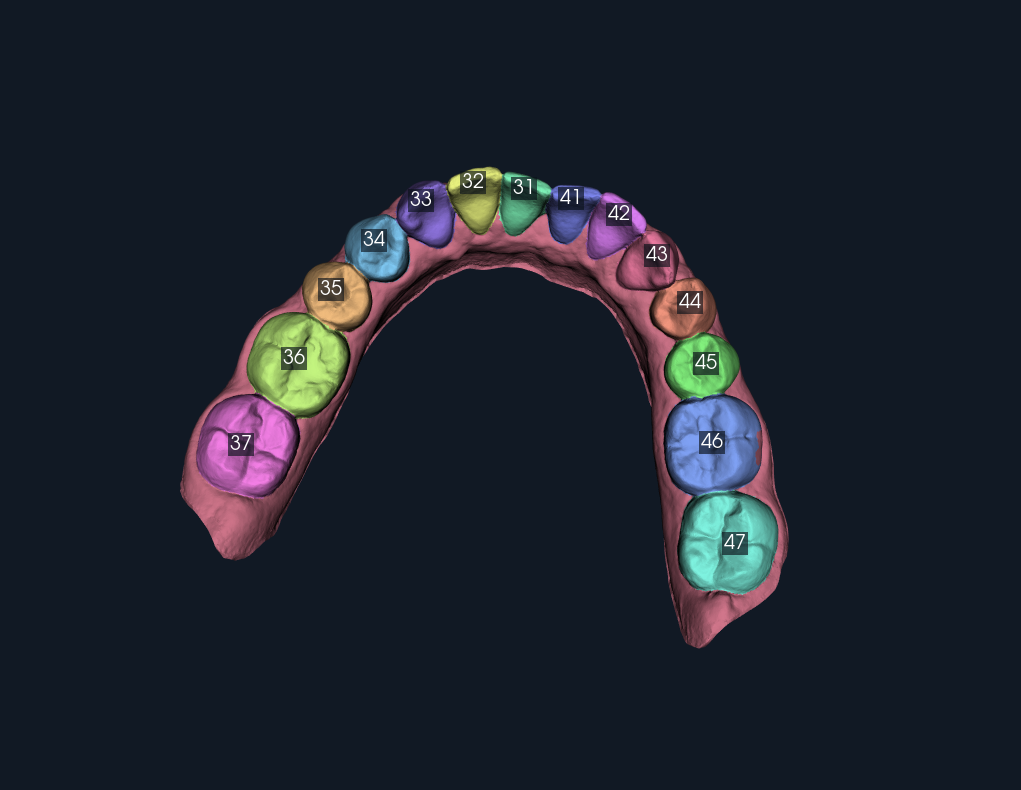
Move from a complete scan to a clearer view of its individual teeth. Tooth Studio brings local AI segmentation, colour-coded regions and FDI numbering into an interactive review environment.
Inspect the result, review the boundaries and keep the dental professional at the centre of the process.
Discover Tooth SegmentationShape the anatomy. Define the character. Prepare it for PolyJet.
ORVANTU Studio connects custom tooth libraries and detailed surface colouring with an export workflow for the Stratasys J5 DentaJet. Make considered choices about form, shade and material before handing the case to GrabCAD Print.
Natural presets, your own mixed swatches, soft blending and printable colour depth. Add local characterisation and assign TrueDent material regions with control over their coverage.
Export material-assigned 3MF files by case, print set or arch. Material preflight and registered case assemblies help carry the design into GrabCAD Print for production setup.
Output depends on the printer configuration and available materials. Screen colours are indicative; material selection and physical shade checks remain part of the print workflow.
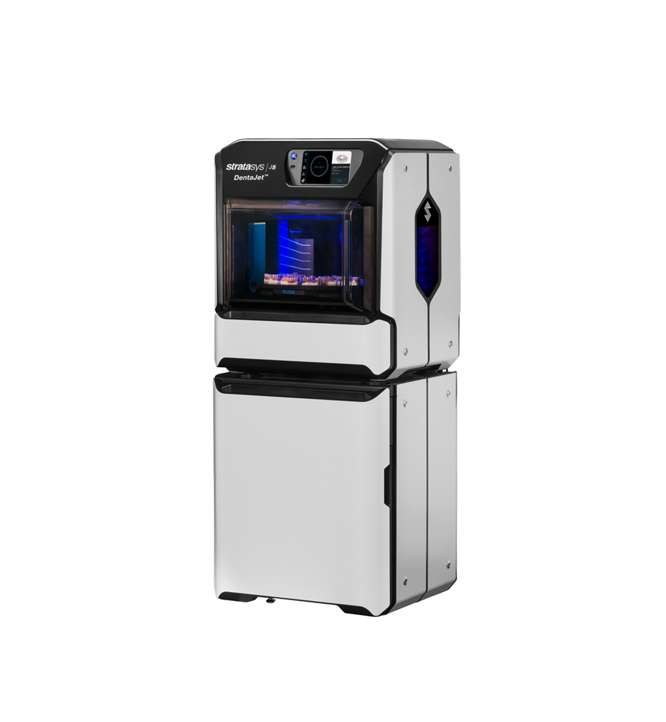
Stratasys · PolyJet technology
Explore the printer Printer image: Stratasys. Product names and trademarks belong to their respective owners.Open a module to explore its workflow. From scan preparation to material-assigned export, the tools stay connected to your design.
Import scans, clean their margins, build a closed base and add model text. Prepare upper and lower models with aligned base planes, then inspect the geometry before export.
Assign working models, create blockouts and place library teeth by FDI position. Draw the base finish line, control fit spacing, sculpt the form and trim the base and teeth against the working geometry.
Work with individual preparation margins, cement spacing and blockout. Create copings, adapt crown or copy anatomy, add bridge connectors and refine the geometry before checked export.
Choose the arch, define blockout and bite opening, draw a margin and create the shell. Sculpt, adapt the occlusal surface and refine the appliance in a staged workflow.
Define spacing and a surface-following boundary, build the tray shell, and refine its shape. Add handles, perforations and finishing rims while protecting the fitting surface.
Align scan-body geometry with library components and prepare digital-analogue sockets in the laboratory model. Currently a fit-test prototype; this module creates models, not surgical guides or implant restorations.
Build custom teeth from imported or sculpted shells. Assign cervical, body, mamelon, incisal, cusp-tip and detail regions; organise by FDI position; and save reusable libraries with relative shade recipes. Preview individual layers, mirror teeth or half-arches, and keep components aligned during placement and transformation.
Raise, flatten and pinch with GPU sculpting tools. Use clay, surface selection, extraction, cutting, blockout and mesh operations to refine your design. Fit locks protect critical surfaces while object and group transforms keep the scene manageable.
Paint with natural colour presets, blend custom swatches and soften transitions. Control the printable depth of each stroke, assign TrueDent shades and refine material regions. Keep scan colour and surface characterisation connected to the design.
Check geometry and material assignments, organise upper and lower appliances into print sets, and export J5 3MF packages. Hand cases to GrabCAD Print with material preflight and linked assemblies, or export mesh formats for other workflows.
ORVANTU Studio is in active development. Module availability and workflows will evolve as testing progresses.
Sculptopa Dental brings model preparation and mesh editing straight to your browser. Import STL, OBJ or PLY files, refine the geometry and export your work without installing a desktop application.
Built for dental professionals and laboratories, its tools cover cutting, alignment, hollowing, labelling and mesh repair. Model processing runs locally in your browser, with exports saved to your computer.
Explore Sculptopa DentalOpen your dental mesh and position or align the model for the work ahead.
Use plane or spline cuts, set hollowing thickness, add labels and repair mesh defects.
Review the prepared model and export it to your computer for the next stage of your workflow.
Start with the people behind the process. Dental laboratory knowledge and clinical workflows inform the direction of our software.
Bring 3D geometry, considered interfaces and focused automation together. Precision should feel intuitive.
Think beyond the screen. Design, planning and digital manufacturing belong in the same conversation.
ADVANCING DENTAL POSSIBILITIES
We bring dental laboratory knowledge, 3D design, manufacturing and software engineering into one focused company.
ORVANTU exists to give good ideas the tools they deserve. Independent products. A shared curiosity. A clear focus on digital dentistry.
Build a conversation with usThe essentials about the products, the workflow and what’s available today.
Dental professionals and laboratories working with digital models, dentures, crowns and bridges, splints and trays. Guided modules sit alongside direct sculpting, library design and colour tools.
ORVANTU Studio is a native desktop design environment in development, with guided dental modules and material-aware print preparation. Sculptopa Dental is a separate browser-based workspace for model preparation and mesh editing, available to explore through the link above.
The Tooth Library Designer supports custom anatomy from imported or sculpted shells, layered regions, FDI organisation and reusable relative shade recipes. Libraries can be imported, exported and adapted to the case.
Studio prepares material-assigned 3MF packages, print sets and linked assemblies for the GrabCAD Print workflow. Available output depends on the printer configuration and materials; physical shade checks remain part of production.
ORVANTU Studio is in active development. Release dates, pricing and supported system requirements have not yet been announced. The features shown here describe the software being developed, and availability will evolve with testing.